





Zoho Bigin Email Integration helps businesses bring customer communication closer to their CRM data. Email remains one of the most important communication channels between Sales teams and customers. Conversations about customer needs, quotations, demo schedules or contract terms can all take place through email. But when emails remain separate in Gmail while customer information is stored in the CRM, Sales and managers have to constantly switch between two systems to understand how far the customer has been followed up.
The issue becomes more apparent when multiple team members are handling the same customer. One employee may know that they have already sent a quotation, but the person taking over the opportunity has to search through all previous emails. When a manager wants to review the communication history, they also have to ask Sales to forward the emails or search through individual inboxes.
This is exactly the problem that Zoho Bigin Email Integration can address: bringing customer-related email activities into the same place as Contact, Company and Pipeline information, so teams can track customer communication history directly within the customer record instead of opening Gmail to search for individual conversations.
Why Should Email and CRM Be Connected?
Imagine a simple sales process. A customer submits their information, Sales calls to provide a consultation, then sends a quotation by email and continues the conversation several more times before closing the deal. If each activity is stored in a different place, data related to the same customer quickly becomes fragmented.
Customer information is stored in Bigin, call notes are recorded somewhere else, while the entire email conversation remains in Gmail. When Sales needs to review the history, they have to remember what they did or spend time searching manually.
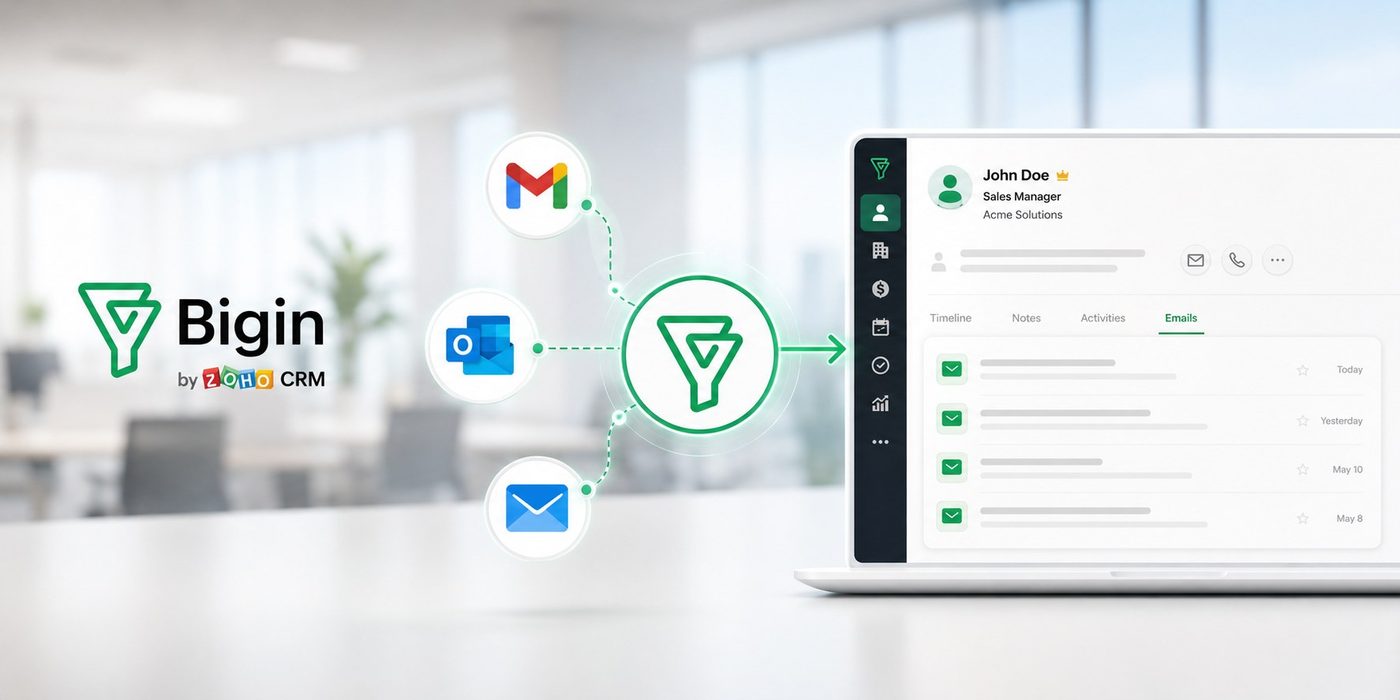
With Zoho Bigin Email Integration, incoming and outgoing emails can be displayed in the corresponding Contact or Company record. Bigin allows users to view email interactions directly within record details and also reply to emails from Bigin when the email account has been configured.
The important point here is not to “bring Gmail into the CRM” as a replacement for Gmail. The goal is to connect email conversations to the right customer and sales opportunity, so the customer communication history does not become separated from Sales data.
How Does Zoho Bigin Email Integration Work?
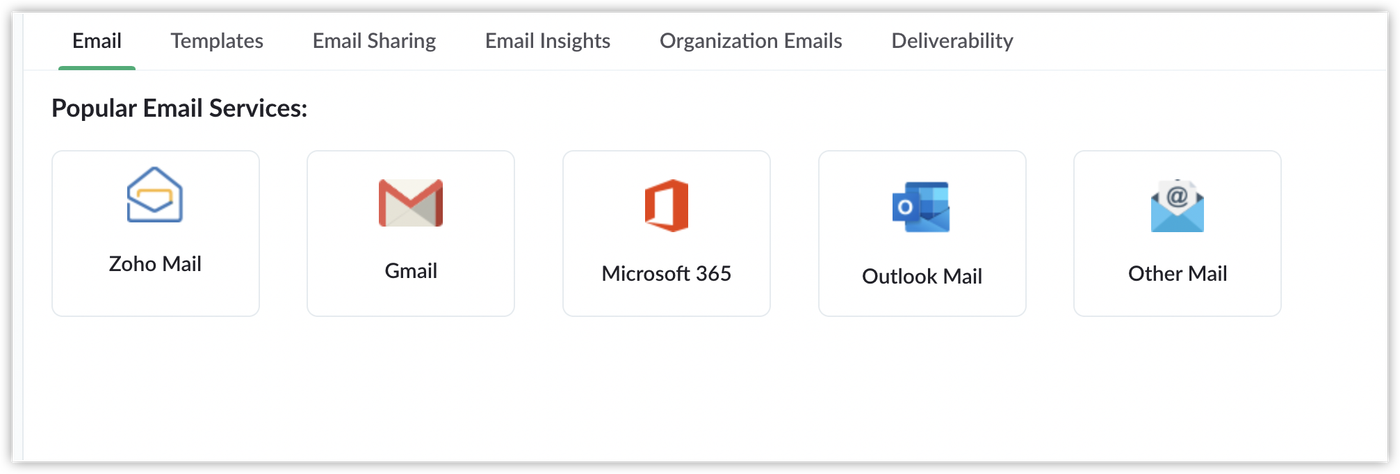
Bigin allows businesses to connect popular email accounts such as Gmail, Microsoft 365, Outlook Mail, Zoho Mail and several other email services. In Bigin, businesses can go to Settings > Email, select the corresponding email service and configure the account. For Gmail, Microsoft 365 and Outlook Mail, Bigin supports signing in directly to the email account to establish the connection.
Once configured, emails related to customers can be displayed directly in the corresponding record. Users can open a Contact or Company in Bigin, go to the Emails section and view emails sent or received in relation to that record. This allows Sales to stay within the CRM instead of leaving it simply to check what they previously discussed with a customer.
Bigin also allows businesses to configure Email Sharing Permissions. Businesses can choose Private mode, where conversations are only visible to the corresponding user, or Public mode, where other users within the organization can view conversations according to the system configuration.
This is an important point to define from the beginning of implementation, because not every personal email should be shared with the entire team. Proper permission settings allow businesses to retain the necessary customer communication history while controlling information based on each employee’s role.
Sales Can View Email History Directly in the Customer Record
With Zoho Bigin Email Integration, Sales can view related emails directly within the Contact or Company record. Instead of opening Gmail to search through individual conversations, employees can quickly check what the customer requested, how they were responded to and when the most recent interaction took place. This history is stored alongside customer and sales opportunity information, giving the person taking over the account enough context to continue handling it without starting the search from scratch.
This also helps businesses reduce dependence on each Sales representative’s personal inbox. When an opportunity is transferred or an employee leaves, the related communication history can still be managed through the record instead of being manually handed over through individual emails. Bigin also allows businesses to configure Email Sharing permissions to determine which information is shared and who can access it.
From Email to the Next Task
Email is often not the end of a customer interaction. After sending a quotation, Sales may need to make a follow-up call. After confirming a demo by email, they may need to prepare materials or follow up on the customer’s response.
In Bigin, Sales can send emails from a Contact or Pipeline while also managing related Tasks. For example, after sending a quotation, an employee can create a Task such as “Call the customer back in 2 days.” This means the communication history and the next action are managed within the same process, instead of having the email in Gmail while the task is stored in another application.
Bigin also supports Email Templates, allowing Sales teams to reuse common content such as introductory emails, quotations, appointment confirmations or follow-up emails without having to write them from scratch.
When a New Email Can Become a Sales Opportunity
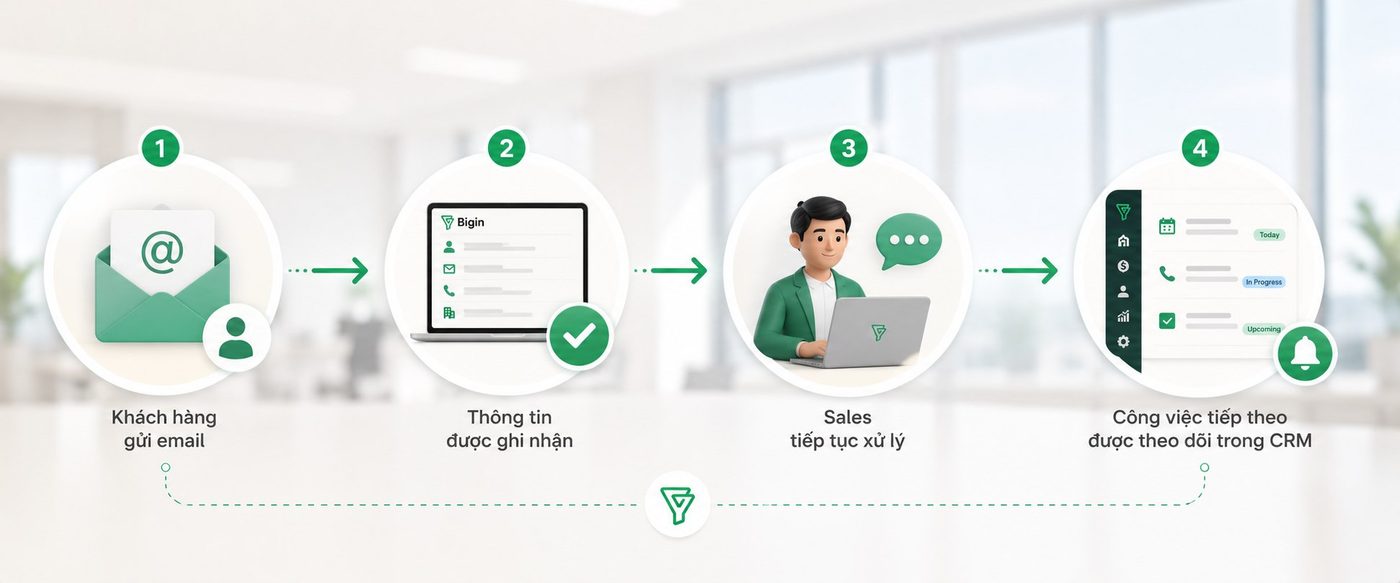
Bigin also provides Email-In, which allows businesses to configure an email alias for each Pipeline. When a customer sends an email to the configured address, Bigin can create a record in the corresponding Pipeline and link it to an existing Contact or create a new Contact from the sender’s email address.
For example, a business can use one email address for the Sales Pipeline and another for the Service Pipeline. Emails sent to the appropriate address can then be routed into the corresponding workflow, helping prevent customer requests from remaining in a shared inbox without being converted into a specific opportunity or task.
Bigin also supports an Email-In approval mechanism before creating a record, which can be useful when businesses want to review spam emails, duplicate emails or unrelated requests.
In this way, Email in Bigin is not simply a place to store communication history. It can become part of the Sales workflow:
Gmail and Bigin: You Do Not Have to Choose One
A common misconception is that when Email is integrated with a CRM, employees have to stop using Gmail and move entirely to Bigin. In reality, this is not necessarily the case.
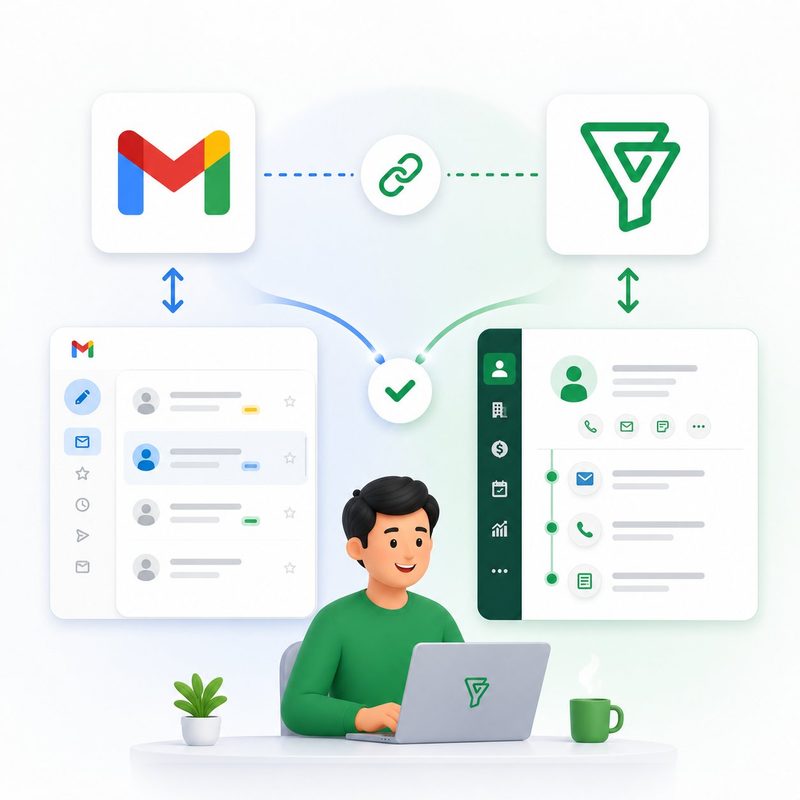
Bigin provides the Bigin add-on for Gmail, allowing users to view Contact information from Bigin directly when opening an email in Gmail. If the sender does not yet exist in Bigin, users can also add the Contact directly from Gmail.
This is suitable for Sales teams that still want to work in Gmail but need to know who is sending the email, what information is available in the CRM and whether that person should be added to the system.
Therefore, businesses can choose the working approach that best fits their needs: Sales can work directly in Bigin and view emails within the record, or use Gmail together with Bigin through the add-on, depending on the team’s processes and working habits.
How Should Businesses Configure Email in Bigin?
Before integrating Email, businesses should establish how Email will be used within the Sales process. Simply connecting an email account without clearly defining how emails should be stored and shared can quickly make the system difficult to manage.
First, businesses need to determine which email accounts should be connected. Depending on the operating model, businesses can use individual Sales email accounts or shared organizational email accounts. Bigin also supports Organization Email, allowing businesses to configure an organizational email address and determine which users are authorized to use that address.
Next is defining sharing permissions. Emails containing sensitive information or intended only for personal use may need to remain Private, while communication directly related to sales opportunities should be shared with the people responsible for taking over and managing those opportunities.
Finally, businesses need to establish how emails should be linked to Contacts, Companies and Pipelines. When this structure is clearly designed, Email is no longer an independent inbox but becomes part of the Customer Journey and Sales process.
Email Integration Is Not Just About “Opening Gmail Less”
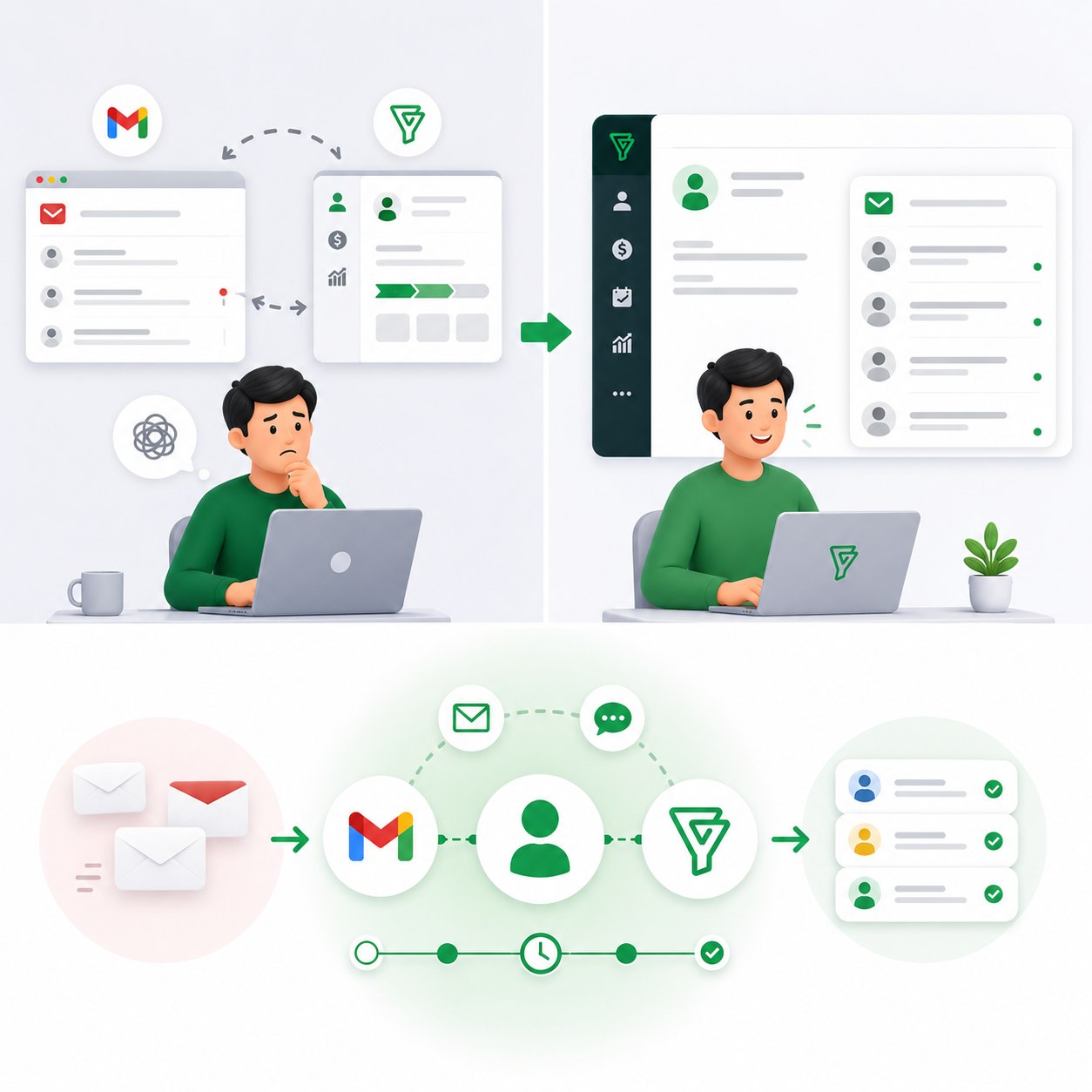
The biggest benefit of integrating Email with Zoho Bigin is not simply reducing the number of times employees switch between Gmail and CRM.
The real value is bringing communication history closer to customer history.
When a Sales representative leaves, an opportunity is transferred or a manager needs to review a transaction, the business does not have to depend entirely on one person’s memory or personal inbox. The person taking over can look at the record to understand what the customer has discussed, what steps Sales has already taken and what needs to be handled next.
That is how a CRM delivers value: not only by storing customer information but also by helping businesses retain the context of their relationship with each customer.
Với WBLGroup, khi tư vấn và triển khai Zoho Bigin, Email cũng nên được nhìn như một phần của quy trình Sales thay vì một tính năng tách biệt. Doanh nghiệp cần xác định khách hàng đi qua những điểm chạm nào, email xuất hiện ở bước nào, ai cần nhìn thấy lịch sử trao đổi và sau mỗi lần tương tác thì bước tiếp theo là gì.
At WBLGroup, when consulting on and implementing Zoho Bigin, Email should also be viewed as part of the Sales process rather than as an isolated feature. Businesses need to determine which customer touchpoints exist, where Email appears in the process, who needs to see the communication history and what the next step should be after each interaction.
When these elements are clearly designed, Sales no longer has to remember the entire customer communication history within a personal inbox. Information stays in the system, tasks stay within the process and the person taking over can continue the conversation with the customer without having to start from the beginning.