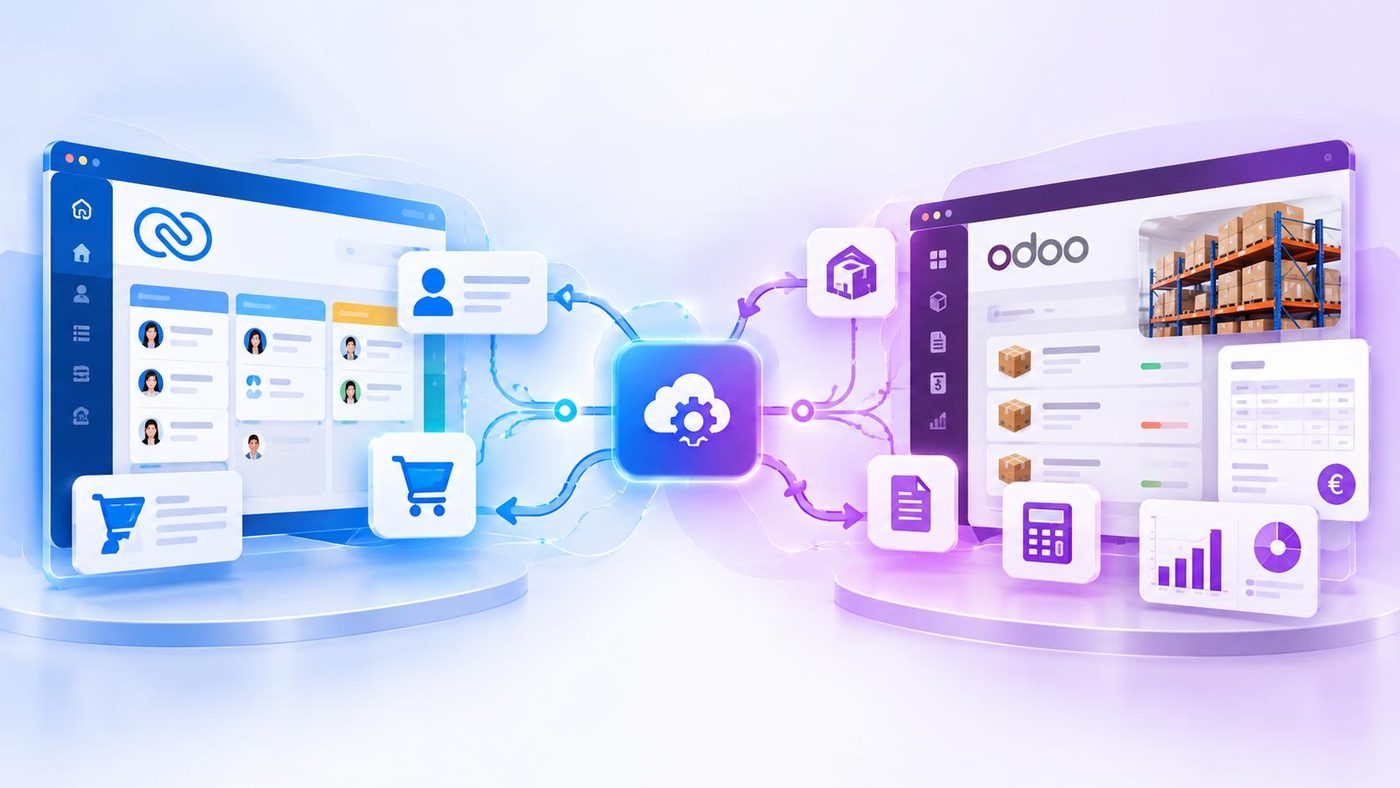







Odoo Customization is one of the key considerations when a business needs to build a management system that fits its own operational processes. Rather than being limited to a single group of business functions, Odoo allows businesses to select and combine multiple modules, such as Sales, Inventory, Purchasing, Accounting and Manufacturing, and then adapt the system to their actual needs. Meanwhile, Zoho CRM focuses on customer and Sales management, with customization tools that allow businesses to adjust their CRM data structure and workflows without having to rebuild the entire system.
The difference is not simply about which platform has more features, but about the scope of customization the business needs. If the main requirement is to improve customer management processes, customizing CRM may be sufficient. But when a business wants to connect multiple business functions and build an end-to-end operational workflow, Odoo’s ability to combine modules becomes an approach worth considering.
Odoo Customization Through a Modular Business Structure
Odoo is organized into multiple business applications that can be combined within the same system. Businesses do not necessarily have to implement everything from the beginning. They can select the modules that fit their current needs and expand in stages. For example, a trading business may start with Sales and Inventory, then add Purchasing to manage the procurement process, followed by Accounting to support the tracking of related financial activities.
The value of this structure lies in its ability to connect data across different activities. When configured appropriately, information from a Sales Order can be linked to Inventory levels and delivery status; Purchasing activities can be connected to goods receipt; and financial transactions can be handled within the Accounting module. Instead of requiring employees to update the same information across multiple independent tools, businesses can organize their workflows within one unified system.
However, implementing modules does not mean that installing applications alone will automatically make the entire process operate as intended. Businesses still need to define how departments coordinate, which data is shared and which rules need to be configured. A good architecture starts with selecting the right modules and clearly defining the relationships between them, rather than implementing as many applications as possible.
Odoo Studio: Adapting the System to Specific Business Processes
In addition to combining modules, Odoo Customization can be extended through Odoo Studio. This tool allows businesses to modify many parts of the system without necessarily writing code.
According to the official Odoo documentation, Odoo Studio supports adding data fields, modifying views, creating data models, setting up automation rules and adjusting reports. This allows businesses to build a system that more closely reflects their actual processes, instead of having to change their entire way of working to fit the default configuration.
For example, a business with its own Sales Order approval process may need to add information about the approver, the reason for a price adjustment or the review status before an order can be processed. Odoo Studio can help adjust data fields and views to capture this information, while setting up certain processing rules within the tool’s capabilities. If the requirements are more complex, such as implementing specialized business logic or changing how multiple modules interact, the business may need technical development resources.
Therefore, it is important to distinguish between system configuration and custom software development. Configuration is suitable for changes supported by the available tools, while custom development should be considered when a process goes beyond those configuration capabilities. Odoo Customization offers many options, but the level of modification should be based on business value, implementation costs and long-term maintainability.
Zoho CRM Follows a Different Approach to Customization
Zoho CRM also provides a range of customization tools, including adding data fields, adjusting layouts, setting up automation rules and creating custom modules. Businesses can adapt how customer information is managed, organize Sales processes and control team activities without building a CRM system from scratch. These capabilities are described in the Zoho CRM customization documentation.
The difference lies in the scope of business functions the company wants to manage. With Zoho CRM, customization generally focuses on customer data, Sales opportunities, customer service activities and CRM-related processes. This approach is suitable when a business wants to standardize Sales activities, improve customer tracking and automate repetitive tasks.
Meanwhile, Odoo Customization allows businesses to extend the system across multiple operational functions through its modular structure. Beyond Sales, businesses can organize processes related to Inventory, Purchasing, Accounting or Manufacturing on the same platform.
This does not mean Odoo is always better or that Zoho CRM is only suitable for simple needs. The two platforms serve different management scopes. The right choice depends on whether a business needs to adapt its CRM processes or connect activities across multiple departments.
The Deeper the Customization, the Greater the Management Requirements
The broader the Odoo Customization options, the more clearly a business needs to define the purpose of each change. Every new data field, automation rule or custom-developed function should address a specific need. If departments continually request different ways of handling tasks without a consistent set of principles, the system can become more complex, harder to train users on and more difficult to maintain.
With Odoo, businesses need to identify the modules that are genuinely necessary, how data is connected between them and which areas need to be adjusted from standard processes. With Zoho CRM, the focus is on identifying the customer data that needs to be managed, the Sales stages that need to be controlled and the appropriate level of automation.
In both cases, businesses should prioritize existing configuration options when they meet the requirements and only pursue custom development when there is a clear business reason. This approach helps businesses avoid investing in rarely used features and reduces dependence on technical resources.
Beyond initial implementation costs, businesses also need to consider user training, system maintenance and upgrades. A configuration that meets current needs precisely but is difficult to adjust later may become an obstacle as operational scale increases. The value of customization does not lie in how much can be changed, but in changing exactly what is necessary.
Choosing Based on Management Scope and Business Growth Plans
When evaluating Odoo Customization, businesses need to consider whether they need to combine multiple business functions on one platform. If the main priorities are customer management, standardizing Sales activities and tracking Sales opportunities, Zoho CRM may meet those needs without requiring the implementation of a broader ERP system.
Conversely, Odoo is worth considering when a business wants to connect functions such as Sales, Inventory, Purchasing and Accounting within the same system. Selecting modules and adapting processes allows the business to expand in stages, but a clear plan is needed for data, implementation scope and operational resources.
If a business only needs to manage Sales, implementing ERP may introduce unnecessary complexity. But when multiple departments need to coordinate frequently and data must be connected throughout the workflow, evaluating a broader management platform may be more appropriate.
Therefore, the decision should not be based solely on the number of features or the flexibility of the software. Businesses need to identify which processes can remain on standard configurations, which require adjustments and what needs may arise in the future.
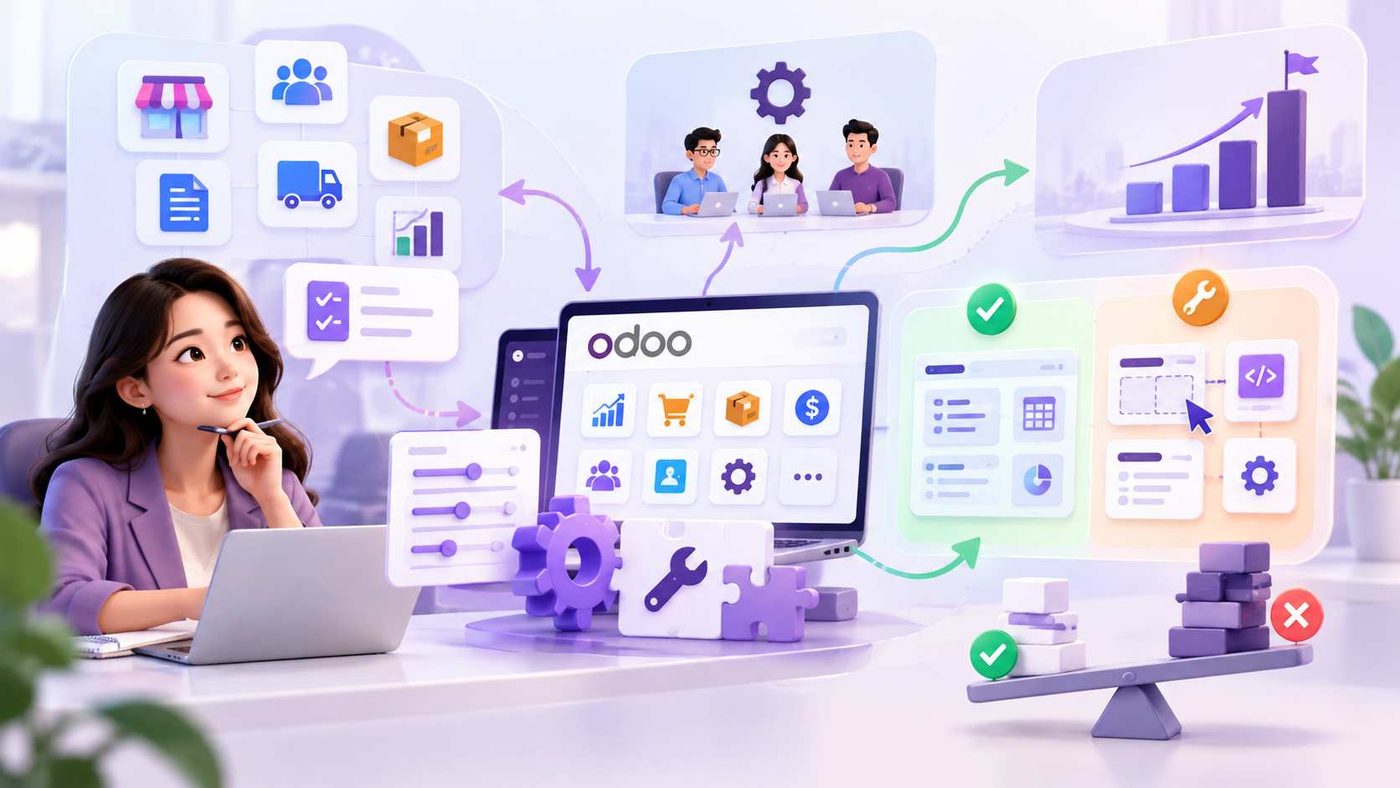
Khả năng tùy biến Odoo cần được đánh giá dựa trên nhu cầu vận hành, nguồn lực triển khai và định hướng phát triển của doanh nghiệp. Khi xác định rõ phần nào có thể sử dụng theo cấu hình tiêu chuẩn và phần nào thực sự cần điều chỉnh, doanh nghiệp có thể xây dựng hệ thống linh hoạt mà không làm tăng độ phức tạp không cần thiết.
WBLGroup đồng hành cùng doanh nghiệp trong việc đánh giá quy trình, xác định mức độ tùy biến phù hợp và lựa chọn hướng triển khai theo nhu cầu thực tế. Mục tiêu là xây dựng hệ thống đáp ứng yêu cầu hiện tại, có khả năng mở rộng và không tạo thêm gánh nặng quản trị khi doanh nghiệp phát triển.