






Cleaning and Standardizing Customer Data before importing to Zoho CRM should not be considered a secondary step. An Excel file may contain thousands of customers but still not be ready for import if it contains duplicate Data, inconsistent naming, missing information fields or a structure that does not fit the CRM.

Instead of putting all existing Data into the system and then handling each error individually, businesses should complete the checklist below before importing. This approach helps make the Data migration process more controlled and reduces the need to make large scale corrections to records after they have already been added to the CRM.
1. Check All Existing Data

The first step in Cleaning and Standardizing Customer Data is knowing exactly what the business has. Gather all Data sources currently being used, such as Excel, Google Sheets, customer lists from Sales, Website Data, registration Forms or old systems, into one place for review.
☐ Identify all sources currently containing customer Data.
☐ Identify what type of information each file is managing.
☐ Check the existing columns and the information the business actually needs to retain.
☐ Mark fields that are no longer used or have no value for Sales activities.
At this stage, there is no need to rush into editing individual Data cells. The goal is to see the entire current situation before deciding which Data will be brought into Zoho CRM.
This is also when the business should distinguish between Data that needs to be retained and Data that only exists because it has never been cleaned up. Not every piece of information that has been stored for years needs to continue into the new system.
2. Remove Duplicate and No Longer Valuable Data
After identifying the available Data sources, the next step in Cleaning and Standardizing Customer Data is to handle duplicate records and information that is no longer valuable.
A customer may appear multiple times because Sales entered the information at different times, it came from different sources or it was saved using different naming conventions. For example, the same company may have one record using its full name, another using an abbreviation and another using its brand name.
☐ Find duplicate records based on names, Emails or phone numbers.
☐ Identify which record contains the most complete and reliable information.
☐ Consolidate the necessary information from duplicate records.
☐ Remove records that no longer have practical value.
☐ Do not delete Data simply because it is old if the business has not clearly defined its Data retention policy.
This is particularly important because duplicate Data directly affects how Sales sees customers after the Data is brought into the CRM. If one customer appears as multiple records, the customer care history may be split across records and reports may also fail to accurately reflect the actual situation.

Zoho CRM has mechanisms for identifying duplicate records based on fields that are defined as unique. During import, businesses can also choose how to handle cases where Data in the file matches an existing record in the CRM.
Therefore, cleaning customer Data before importing is still an important step, even when Zoho CRM provides tools to help control duplicate records.
3. Standardize How Information Is Recorded
After removing duplicate Data, businesses need to bring the remaining information into a consistent format. This is the most important part of Cleaning and Standardizing Customer Data, because Data can be complete but still difficult to use if each person enters it differently.

For example, the industry field may contain values such as “Real Estate”, “BĐS”, “Real Estate” or “BDS”. If the business wants to classify and report by industry, these different entries need to be standardized into one common value.
☐ Standardize how company names are written.
☐ Standardize phone number formats.
☐ Check Email formats.
☐ Standardize provinces, cities, countries and addresses.
☐ Standardize industries and classification fields.
☐ Standardize date formats.
☐ Define how fields with missing information will be handled.
The important point is that standardization should not be based on assumptions. Businesses should define in advance which values are accepted for each field and apply the same rules across all Data.
This is particularly necessary for picklist fields in Zoho CRM. Zoho requires the values imported into these fields to match the values already configured in the CRM. If a value in the file does not match, the business needs to adjust the Data or reconfigure the list before importing.
4. Match Data with the Zoho CRM Structure
At this point, the Data is cleaner but still should not be imported immediately. Cleaning and Standardizing Customer Data is only truly complete when the Data has been matched against the structure that the business plans to use in Zoho CRM.
Open the structure of the modules that are expected to be used and check which field each column in the current file will be mapped to. For example, customer information may be allocated to Leads, Contacts or Accounts depending on how the business designs its process.
☐ Identify which Data belongs to each module.
☐ Match the column names in the file with the field names in the CRM.
☐ Identify the fields that are required to contain Data.
☐ Check which custom fields need to be created.
☐ Identify which fields will be used to detect duplicate records.
☐ Check the linked fields between related modules.
Zoho CRM supports Field Mapping, allowing businesses to map columns in a file to the corresponding fields in the CRM. If the file contains important information but there is no suitable field, the business can create a new field before or during the import process.

This step helps avoid a fairly common problem: the Data has been cleaned but the structure does not fit the system. In that case, the business may have to revise the file or adjust the CRM after importing a large number of records.
5. Perform a Final Check Before Import
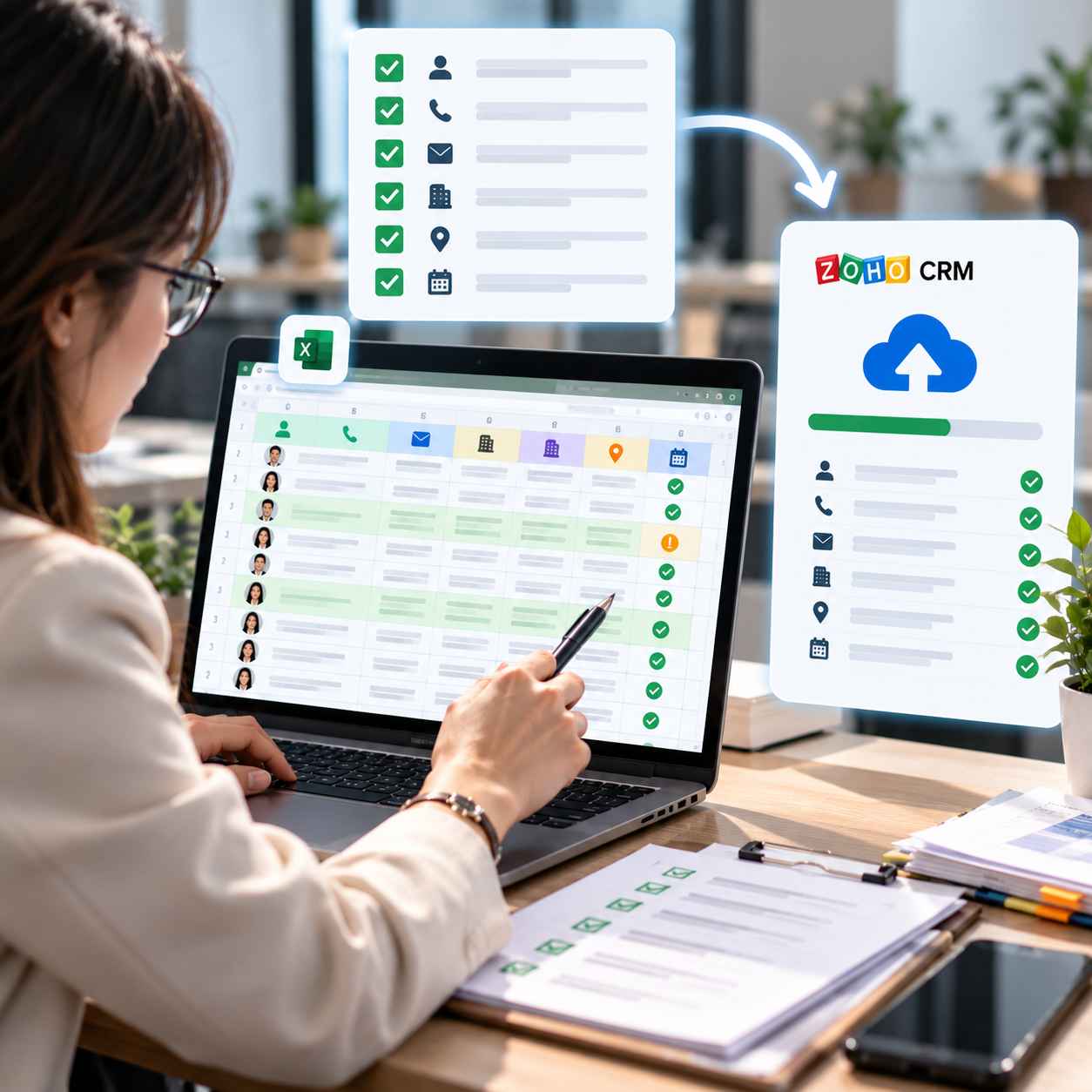
The final step of Cleaning and Standardizing Customer Data is to perform one final review before officially bringing the Data into Zoho CRM. This is not the time to continue making major structural changes, but to confirm that the file is truly ready.
☐ No remaining duplicate records need to be handled.
☐ No unnecessary columns remain.
☐ All required fields contain sufficient information.
☐ Emails and phone numbers have been checked.
☐ Picklist values have been standardized.
☐ Columns have been matched to the correct fields in the CRM.
☐ Relationships between related records have been identified.
☐ A copy of the original file has been saved before editing.
If the Data volume is large, businesses should also consider importing a small sample first before carrying out the full import. After reviewing the results, the business can adjust the mapping or Data structure if any issues are identified.
Zoho CRM supports options to add new records, update existing records or perform both actions depending on the purpose of the import. The system also allows businesses to review records that were skipped during the import process so they can identify the reasons and process them again if necessary.
Quick Checklist Before Importing Data to Zoho CRM
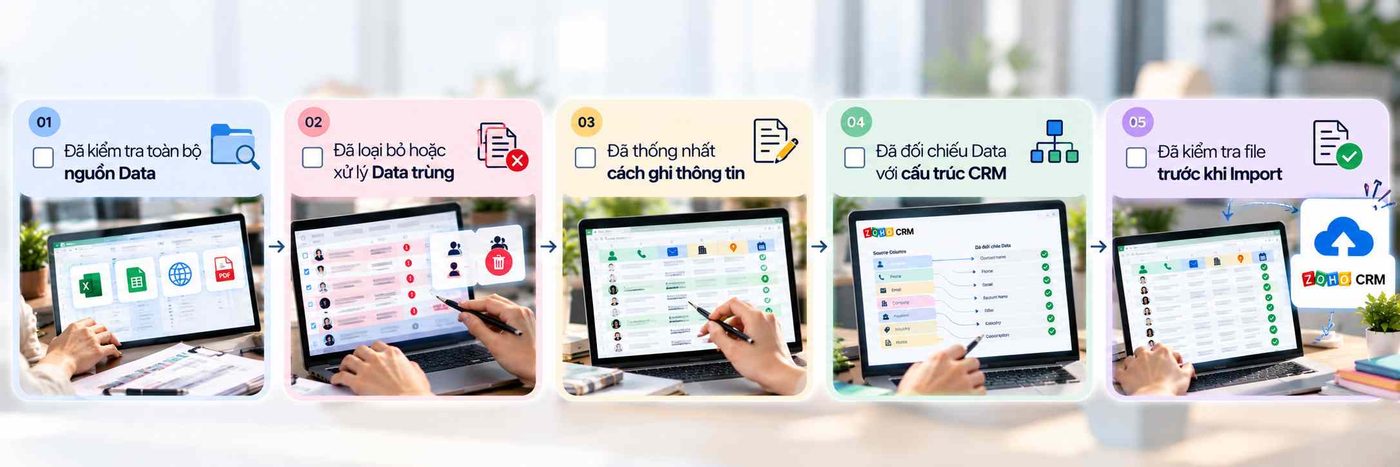
Only when all 5 steps have been confirmed should the business move to the official Data import stage.
A CRM system can only generate reliable reports and processes when the Data inside it is sufficiently clean and consistent. Therefore, Cleaning and Standardizing Customer Data is not simply about preparing an Excel file before importing. It is the step that lays the foundation for how a business manages customers, analyzes Data and operates Sales going forward.
For WBLGroup, CRM implementation does not stop at putting Data into the system. It also needs to ensure that Data is organized appropriately for the business process and management objectives. When the Data foundation is prepared correctly from the beginning, Zoho CRM can become a truly useful management system rather than simply another place to store a new set of Data.