




In a working environment where multiple departments are involved in handling the same document, sending files by email, downloading them for editing and sending them back often results in multiple versions. Employees may spend time figuring out which version is the latest, what content has been updated and who is responsible for each change. When multiple people edit a document, the risk of overwriting data or missing information also increases.
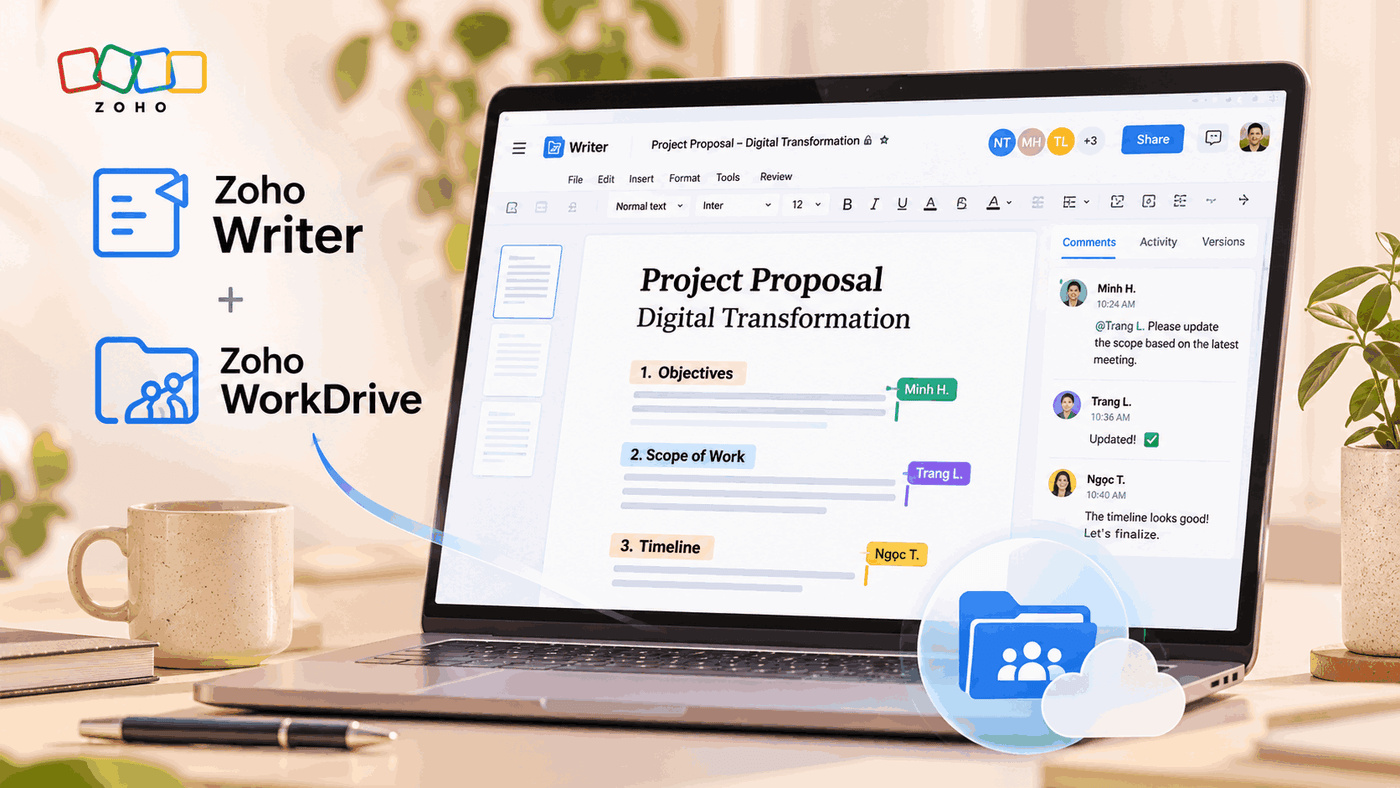
Zoho WorkDrive and Zoho Writer address this issue by combining centralized document storage with online editing capabilities. Instead of exchanging multiple copies, team members can work on the same document, track changes and manage updates directly within a shared working environment.
Combining Zoho WorkDrive and Zoho Writer for Document Management
Zoho WorkDrive is an online file storage and management platform designed for teams. Documents are organized in shared folders, allowing businesses to manage access permissions and share data across different working groups. As a result, employees can search for and use documents from a unified source instead of storing them across personal computers or multiple communication channels.
Meanwhile, Zoho Writer is an online word processing tool that allows multiple people to work on the same document. Users can create content, edit, comment and track changes without having to repeatedly download files to their computers and send them back to colleagues.
When the two platforms are combined, WorkDrive serves as the space for storing and managing documents, while Writer handles the drafting and collaboration process. Documents are stored in a shared workspace, where members with appropriate access permissions can open and edit them directly. This approach helps reduce the number of duplicate copies, minimize confusion and maintain continuity throughout the work process.
Real-Time Editing and Collaboration
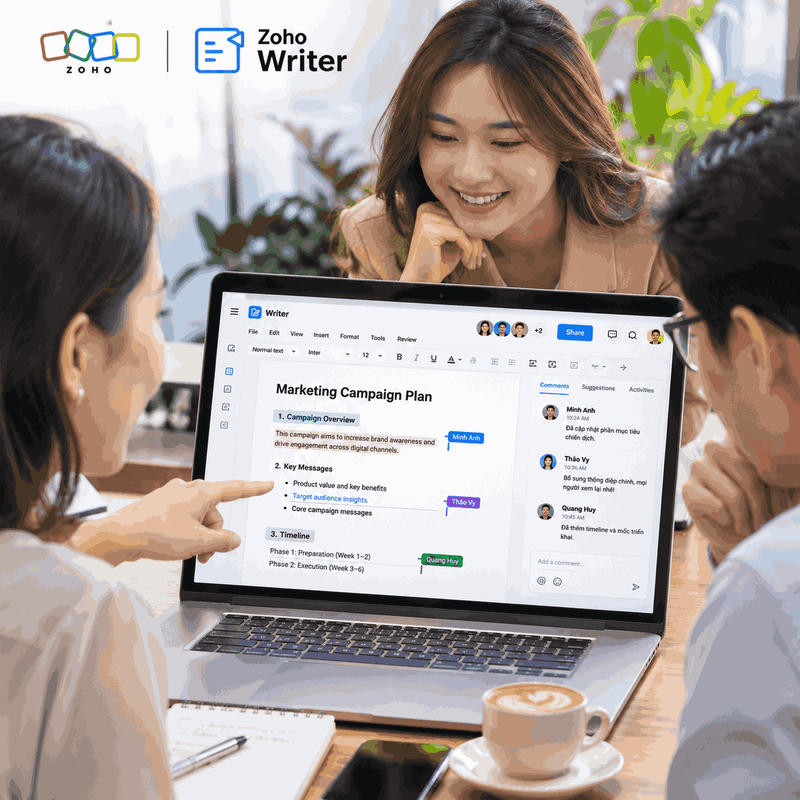
One of the key benefits of Zoho Writer is its ability to support multiple people editing the same document simultaneously. Instead of waiting for one employee to finish before passing the file to the next person, team members can contribute to the content within the same working session.
When one person updates the text, others who have the document open can follow the changes in real time. Writer also displays where collaborators are editing, helping users identify which sections are being worked on and avoid unknowingly making changes to the same area.
For example, when preparing a business proposal, the Sales department can handle customer information and project objectives, the Finance department can add the budget, while the Operations department finalizes the implementation plan. Instead of consolidating content from multiple separate files, team members can work on the same document. Updates appear directly, allowing the team to review and align on the content more quickly.
In addition to direct editing, Zoho Writer also supports comments and discussions within documents. Users can select a section of content to ask questions, suggest revisions or provide feedback to the person in charge. This keeps feedback linked to the exact section that needs attention, rather than scattering it across emails or private messages.
Businesses can also use this feature to establish content approval workflows. For example, an employee drafts a document, a manager reviews it and leaves comments, and then the person in charge updates the content based on the feedback. The entire process takes place within the same document, making collaboration clearer and easier to track.
Version Control and Edit History Tracking
Real-time collaboration helps work move faster, but businesses still need to control the changes made to documents. Without a tracking mechanism, continuous editing can make it difficult for users to identify what has changed or restore previous information when necessary.
Zoho Writer supports version history management, allowing users to review previously saved versions of a document. When a comparison is needed, users can check the content from earlier points in time and restore an appropriate version if unwanted changes have occurred. This is particularly useful for important documents such as contracts, business proposals, internal procedures and project reports.
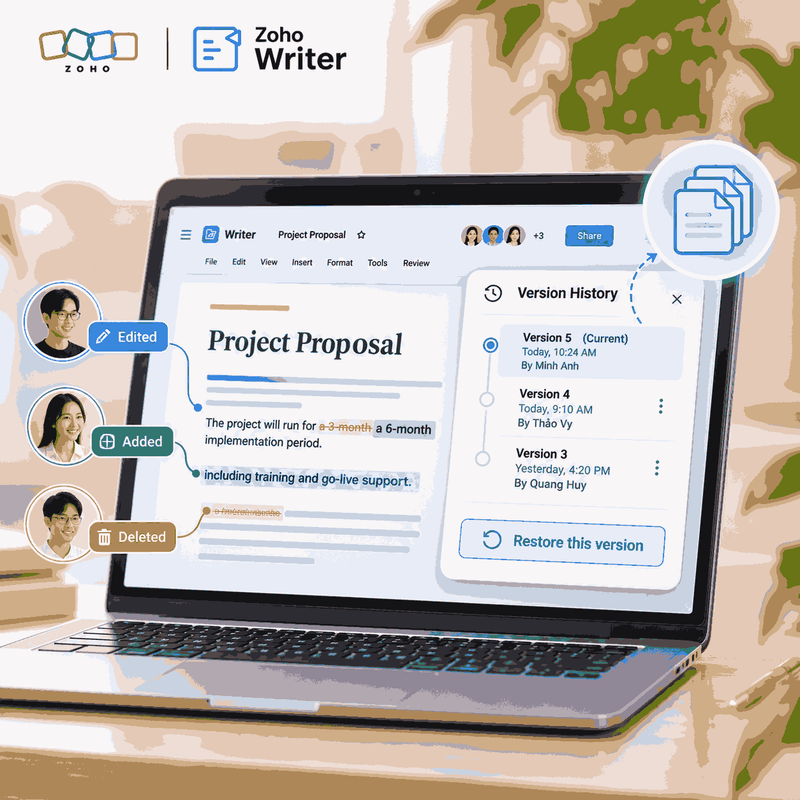
In addition, the Track Changes feature helps users identify content that has been added, deleted or modified during the editing process. The person in charge can review each change and decide whether to accept or reject it before finalizing the document. This makes the review process more transparent, especially when multiple people are involved.
At the storage level, Zoho WorkDrive supports file version management, helping businesses track updates and retain the ability to retrieve previous file versions according to the platform’s policies. Combining version management in Writer and WorkDrive helps control both the editing process and document storage.
Businesses need to distinguish between the edit history in Writer and the file version history in WorkDrive. Although these two mechanisms serve related purposes, they are not exactly the same. Establishing appropriate access permissions, retention policies and document approval workflows helps minimize risks during collaboration.
Managing Access Permissions and Organizing Collaborative Workspaces
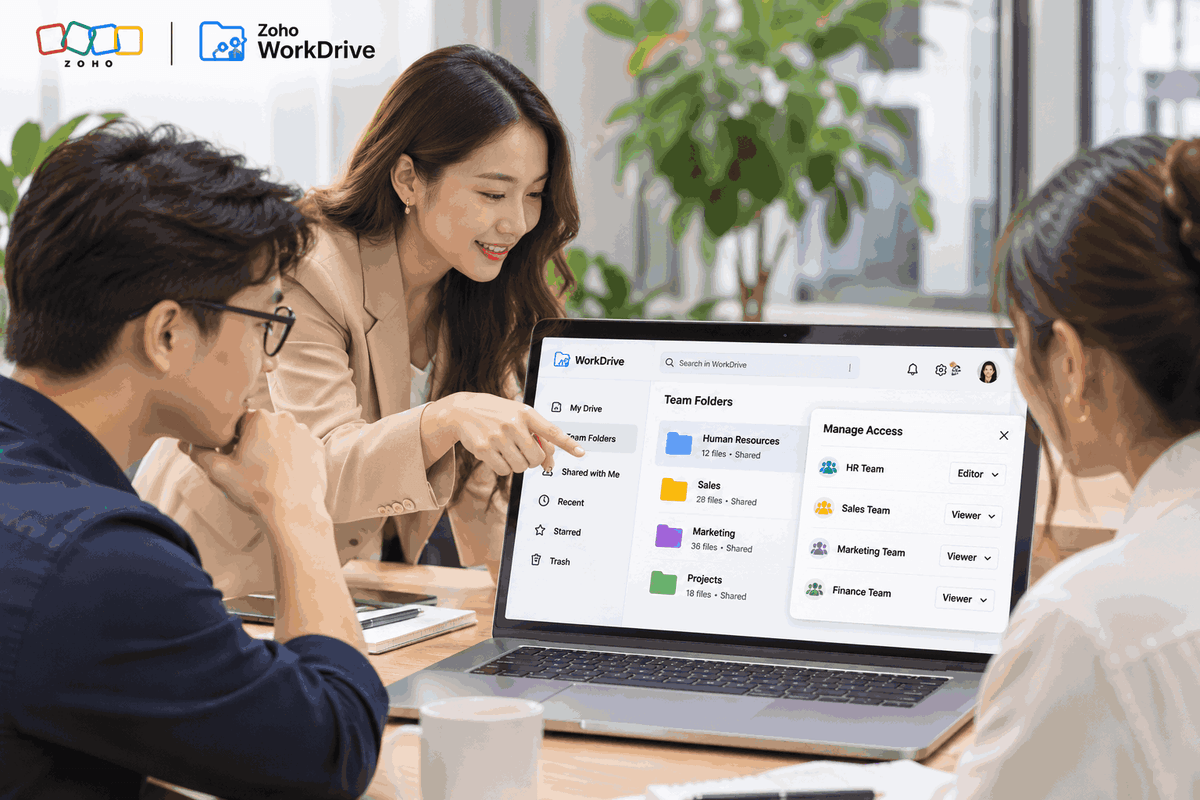
Not every employee needs permission to edit all company documents. With Zoho WorkDrive, administrators can organize documents by team, department or project while setting access permissions according to each member’s role.
For example, the Human Resources team can manage folders containing employment contracts and recruitment documents, while the Sales team is only granted access to documents related to sales activities. When collaboration with another department is needed, businesses can share documents or folders within the scope of the permissions granted.
Appropriate access control helps reduce the risk of unauthorized access, accidental edits or information being shared with the wrong people. Businesses should clearly define who can view, who can edit and who is responsible for managing each document group. For important content, editing permissions should be restricted and a review process should be maintained before documents are used officially.
Applying the Platforms to Business Workflows
Zoho WorkDrive and Zoho Writer are suitable for tasks that require contributions from multiple people or frequent document updates. In project management, teams can use Writer to create plans, meeting minutes and progress reports, then store them centrally on WorkDrive so that members can access them easily.
For Human Resources departments, the two platforms support the drafting of policies, forms and training materials. In Sales and Marketing, employees can work together on quotations, proposals, content plans or product introductions. For internal management, departments can also use shared documents to update procedures and work instructions.
However, effectiveness does not come from implementing the tools alone. Businesses need to establish consistent practices for file naming, folder structures, access permissions and update responsibilities. If each department organizes its data differently, difficulties in searching for documents and duplicate files may still occur even when an online platform is in place.

Zoho WorkDrive and Zoho Writer help businesses move from exchanging multiple document copies to a centralized collaboration model. Features such as simultaneous editing, commenting, change tracking and version management make it easier for teams to work together while maintaining control over content throughout the process.
To make effective use of both platforms, businesses need to combine technology with document management policies and clearly defined access permissions. WBLGroup supports businesses with consulting and implementation of Zoho solutions that align with their operational workflows, helping organize data and improve collaboration across departments.